



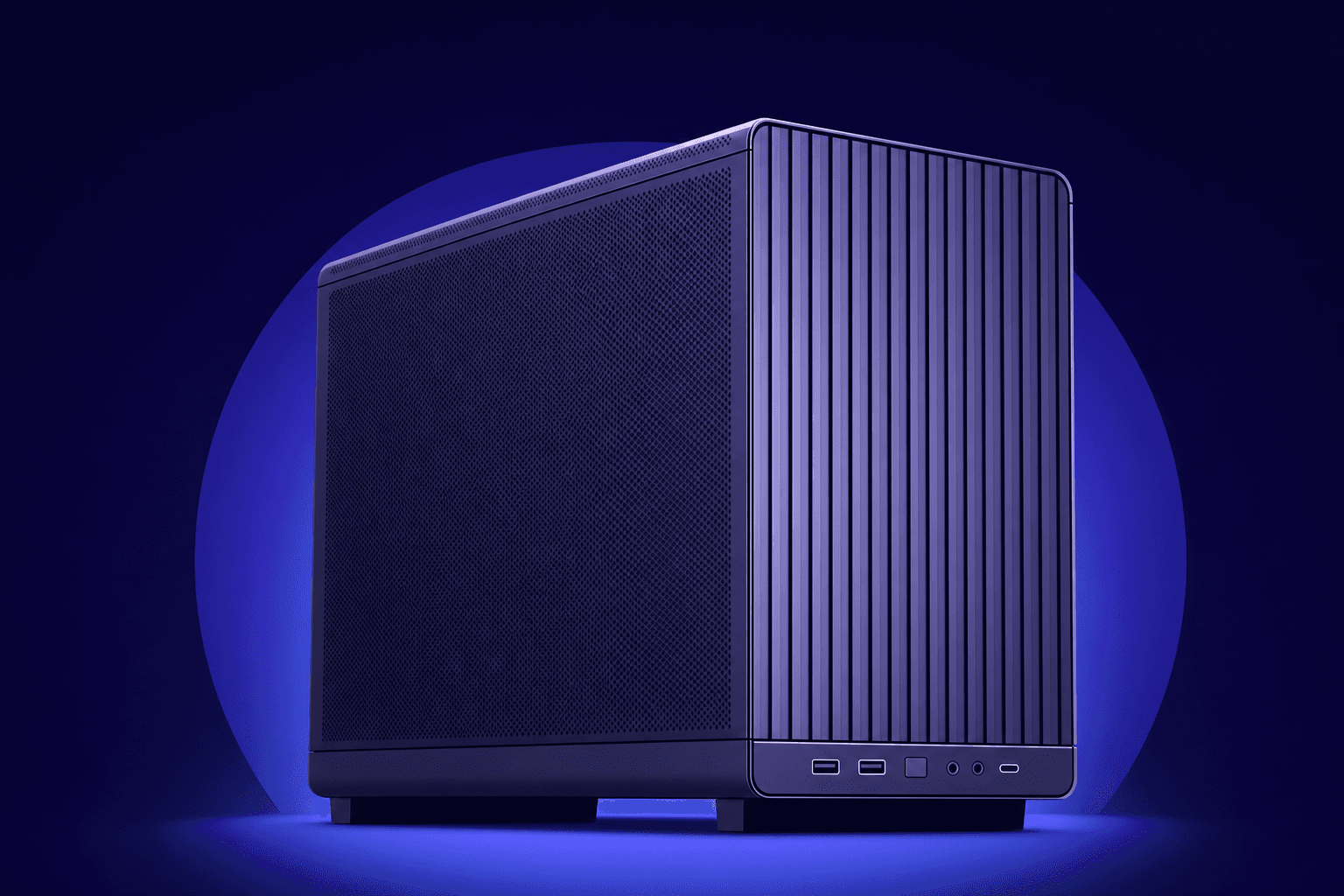
HTPCs & couch gaming rigs
Install apps, fix settings, clear space, or sort out launcher weirdness. No keyboard, no TV-squinting.
Deckside puts an agent on your machines, so you can control them from your phone. Install it once, then ask it to handle the rest.
Approval needed
Restart the Bluetooth service
Some computers never get a desk. Deckside gives them something more powerful: an agent controlled from your phone.
Install apps, fix settings, clear space, or sort out launcher weirdness. No keyboard, no TV-squinting.
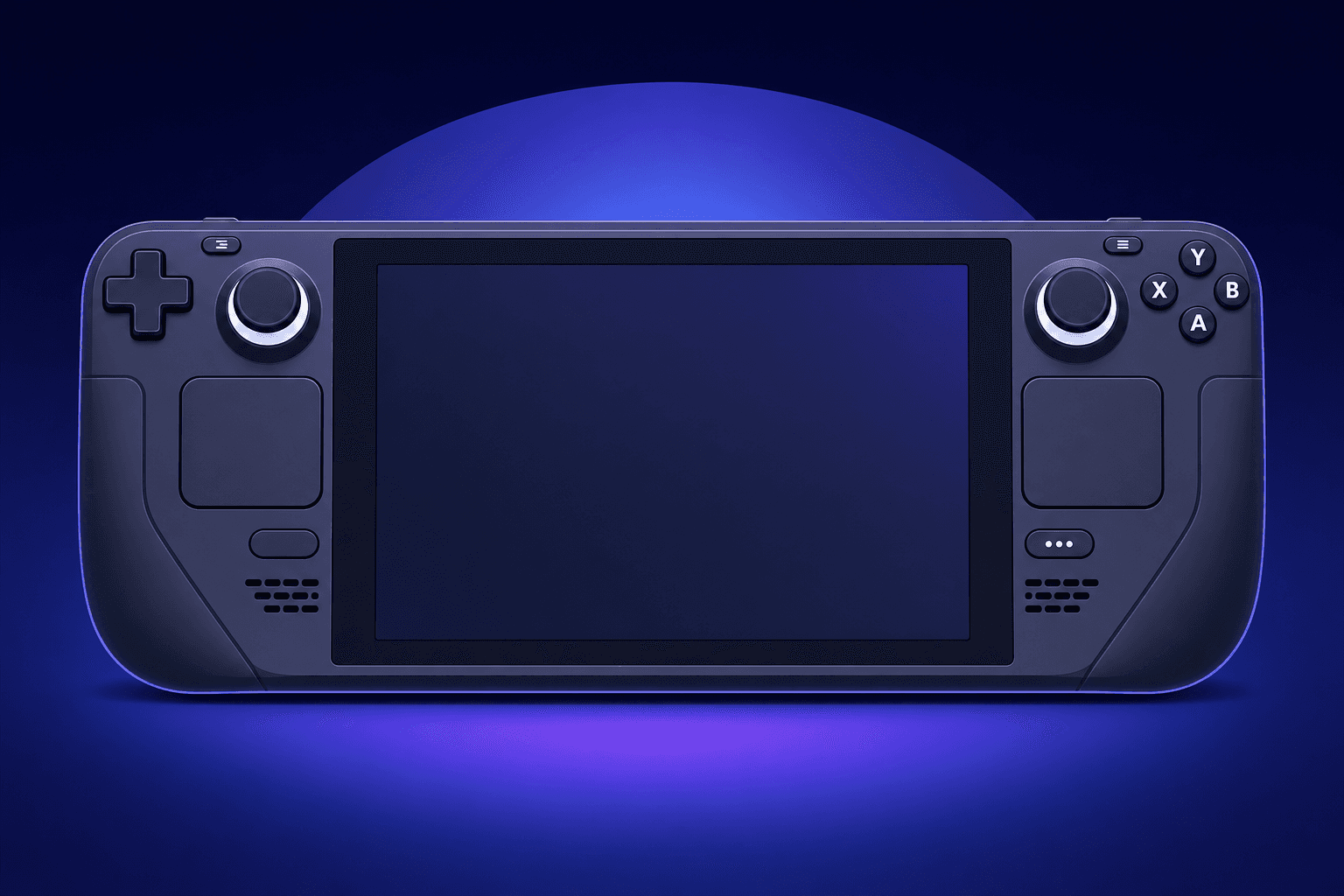
Tweak settings, manage mods, and fix launcher issues without fiddly on-device controls.
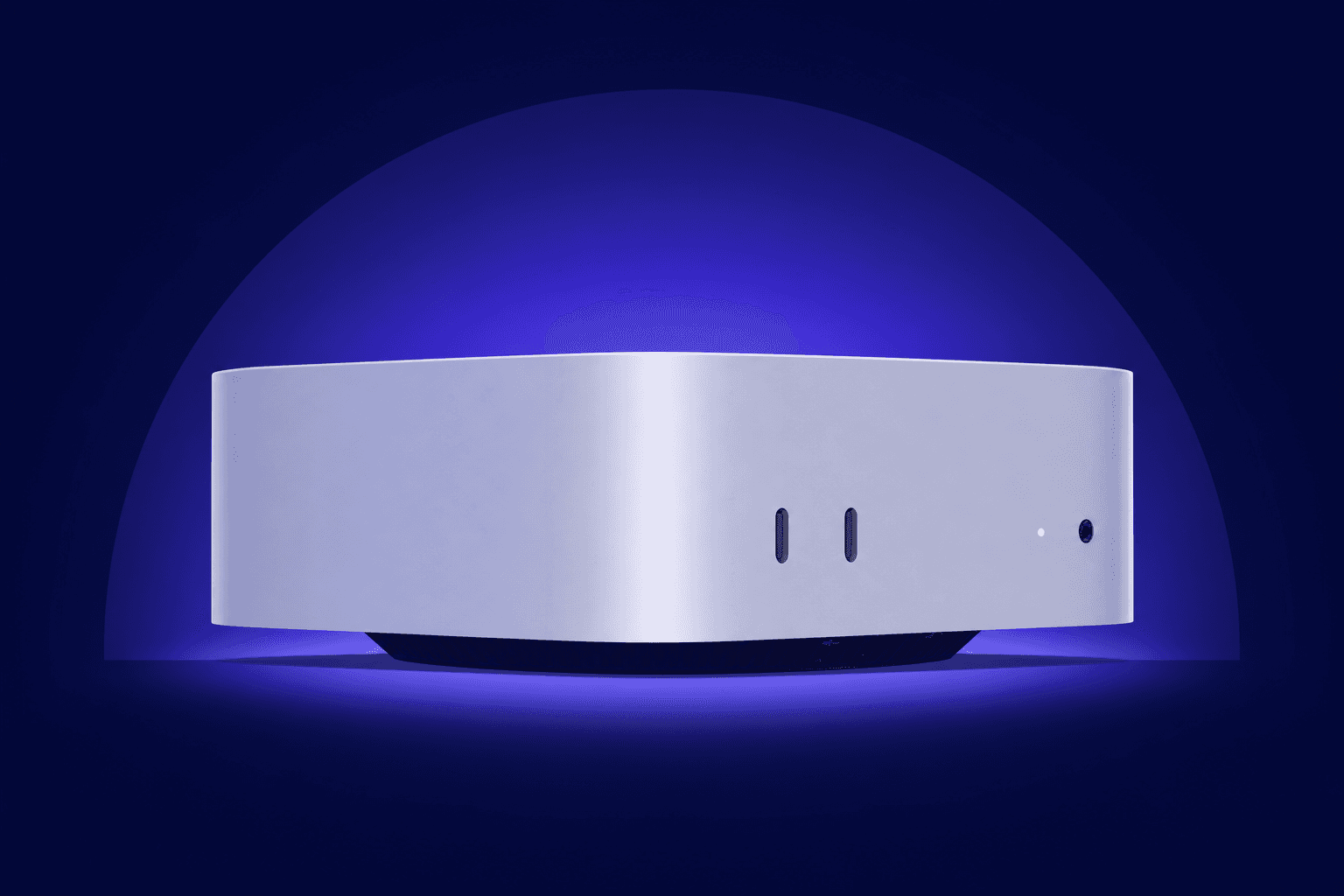
Home server, old desktop, Clawdbot box. If it runs macOS or Linux, your phone can drive it.
No port forwarding. No VPN. Install, pair, go.
Download Deckside, sign in, done. No router fiddling.
Your machine shows a short code. Enter it on your phone and you are linked.
"Update my drivers." "Why is the disk full?" The agent works locally and asks before risky steps.
Each paired computer has its own thread list. If the machine goes offline, the history stays readable until it reconnects.
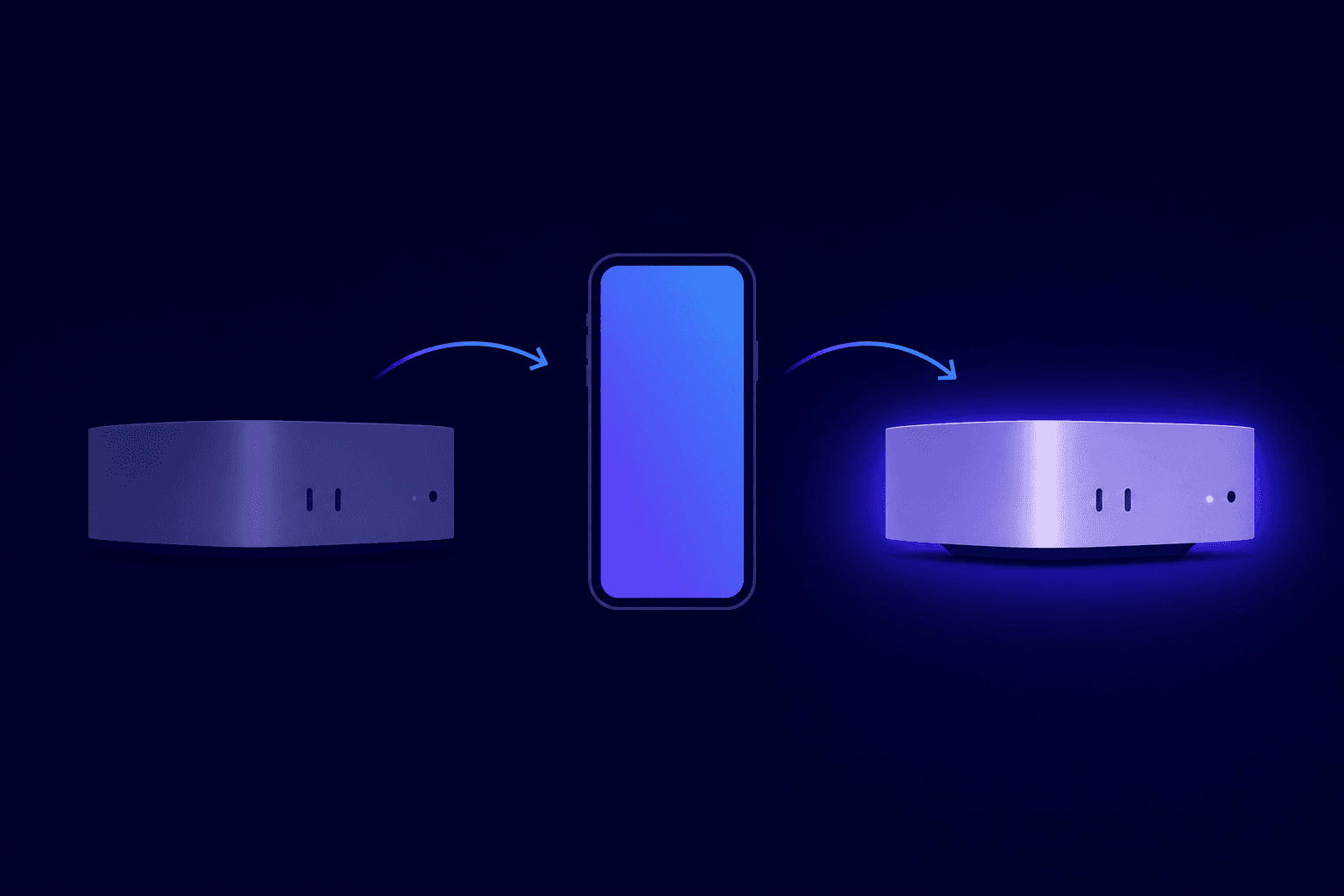
Your machine connects out. You stay in control.
Deckside calls out like a browser. No open ports. No exposed home network.
Sensitive commands pause for your tap. Administrator prompts stay local.
New machines need signed-in approval and a one-time code. Revoke access anytime.
Connect machines free. Upgrade for smarter assistants and more room to work.
Try Deckside today.
$0/month
The everyday plan for your machines.
$8/month
Premium reasoning and every extra.
$25/month
Add it in Settings and both supported models plus every extra are unlocked on your own OpenAI billing, with no hourly limits from Deckside. Works on all plans, including Free. More model providers are coming soon. Want a specific one? Ask in the Discord.
More questions? See the pricing FAQ

Create an account. Install the app. Let the agent handle the awkward parts.
Got any questions or ideas? Join the Discord